
Appearance
Report
Reports
The Reports Module in ZalUltra CRM provides a centralized interface to access, view, and export various types of reports. It helps administrators and managers monitor business operations, track sales, payments, and compliance-related activities efficiently.
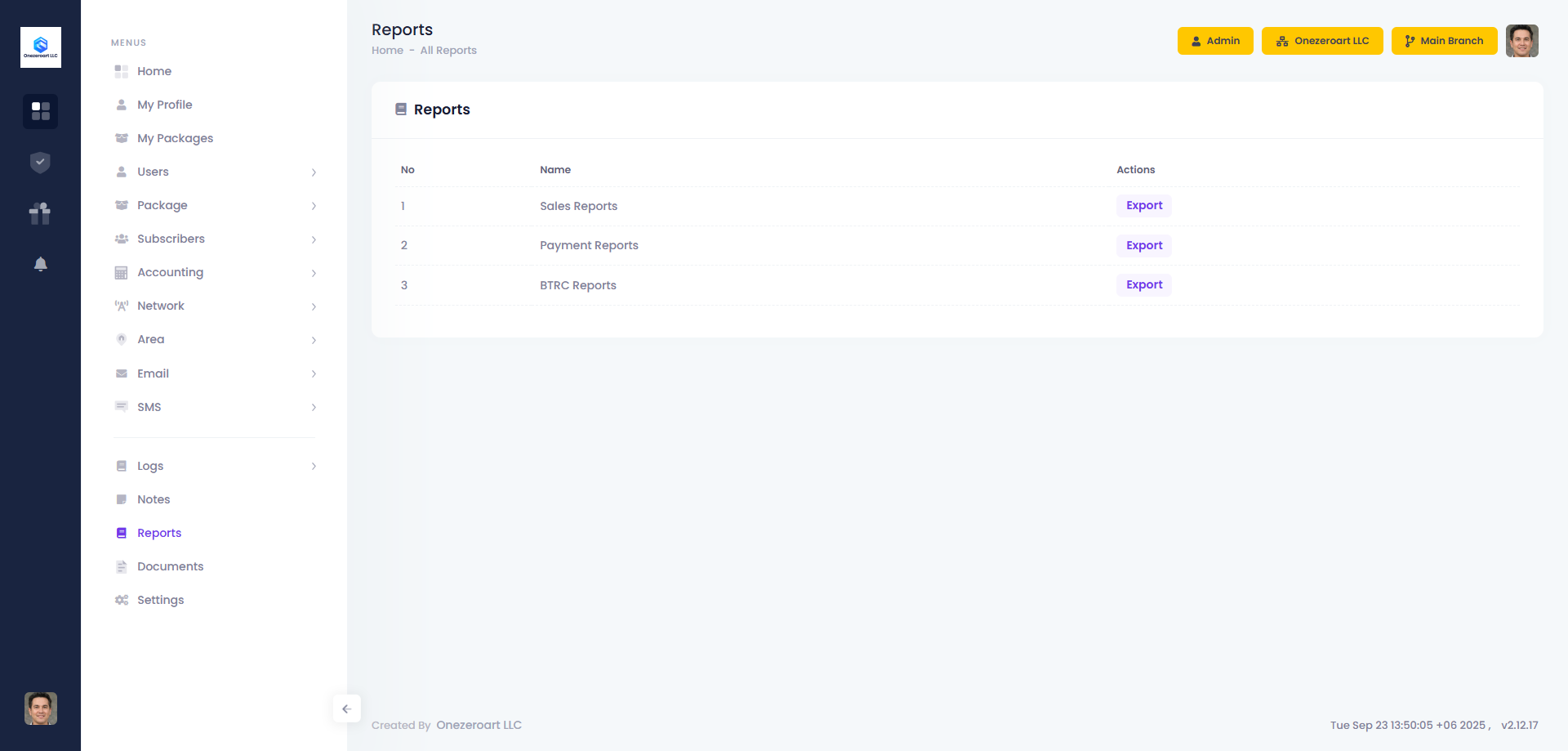
The Reports page lists all available reports in a tabular format with quick access to export actions.
| No | Name | Actions | Description |
|---|---|---|---|
| 1 | Sales Reports | Export | Generate and export detailed sales data based on date range, salesperson, and packages. Helps track revenue and performance. |
| 2 | Payment Reports | Export | View and export records of all payments received, including payment method, transaction status, and date. Useful for financial auditing. |
| 3 | BTRC Reports | Export | Generate compliance reports required for regulatory purposes (e.g., BTRC submissions). Exportable for official use. |
Export Sales Reports
The Export Sales Reports feature in ZalUltra CRM allows administrators and managers to generate detailed sales data based on specific criteria. Reports can be exported for analysis, record-keeping, or performance tracking.
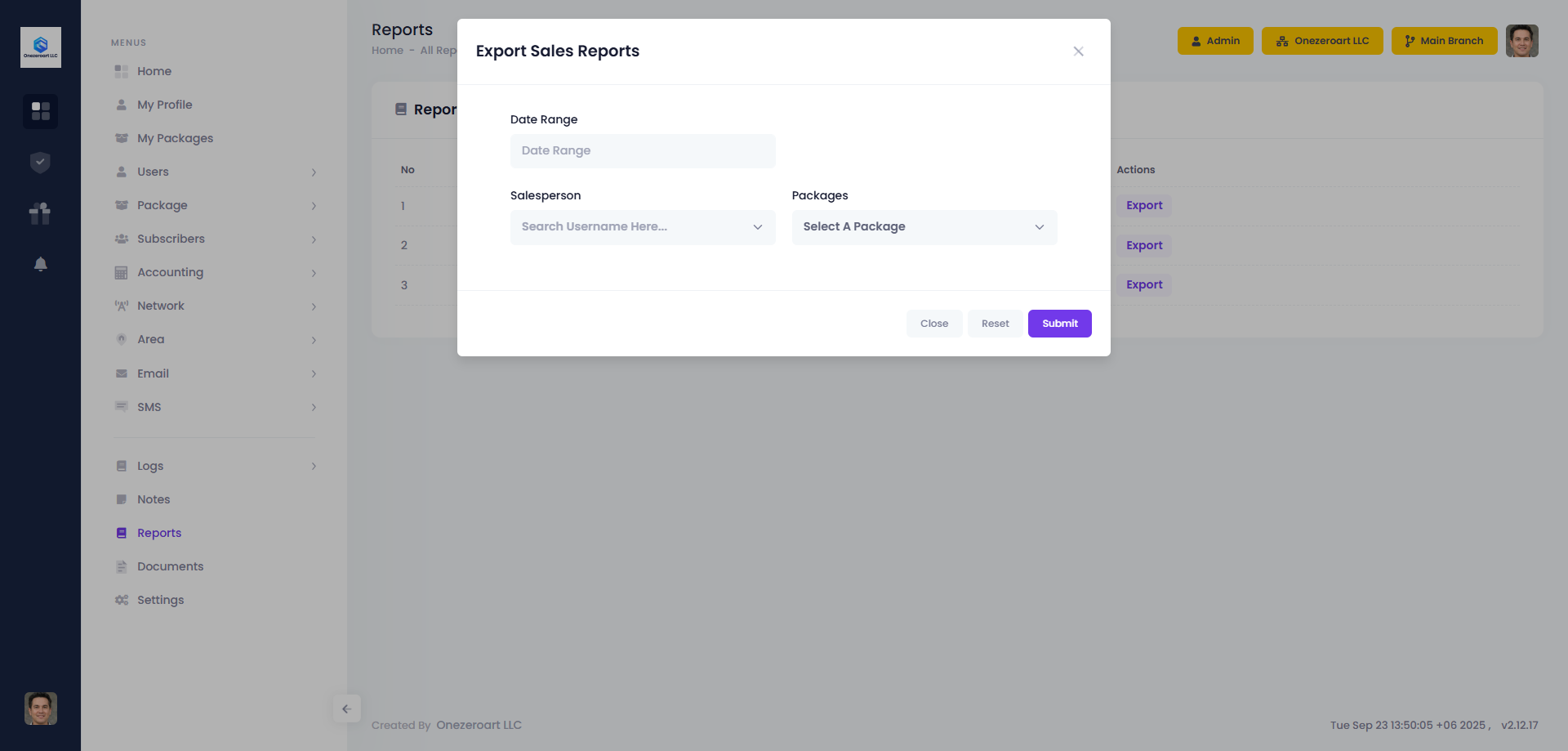
| Field | Description |
|---|---|
| Date Range | Select the start and end dates to generate the report for a specific period. |
| Salesperson | Choose a salesperson to filter sales records specific to that individual. |
| Packages | Select one or multiple packages to view sales related to those packages. |
Export Payment Reports
The Export Payment Reports feature in ZalUltra CRM allows administrators and managers to generate detailed payment data for a specific period. Reports can be exported for financial analysis, auditing, and tracking client payments.
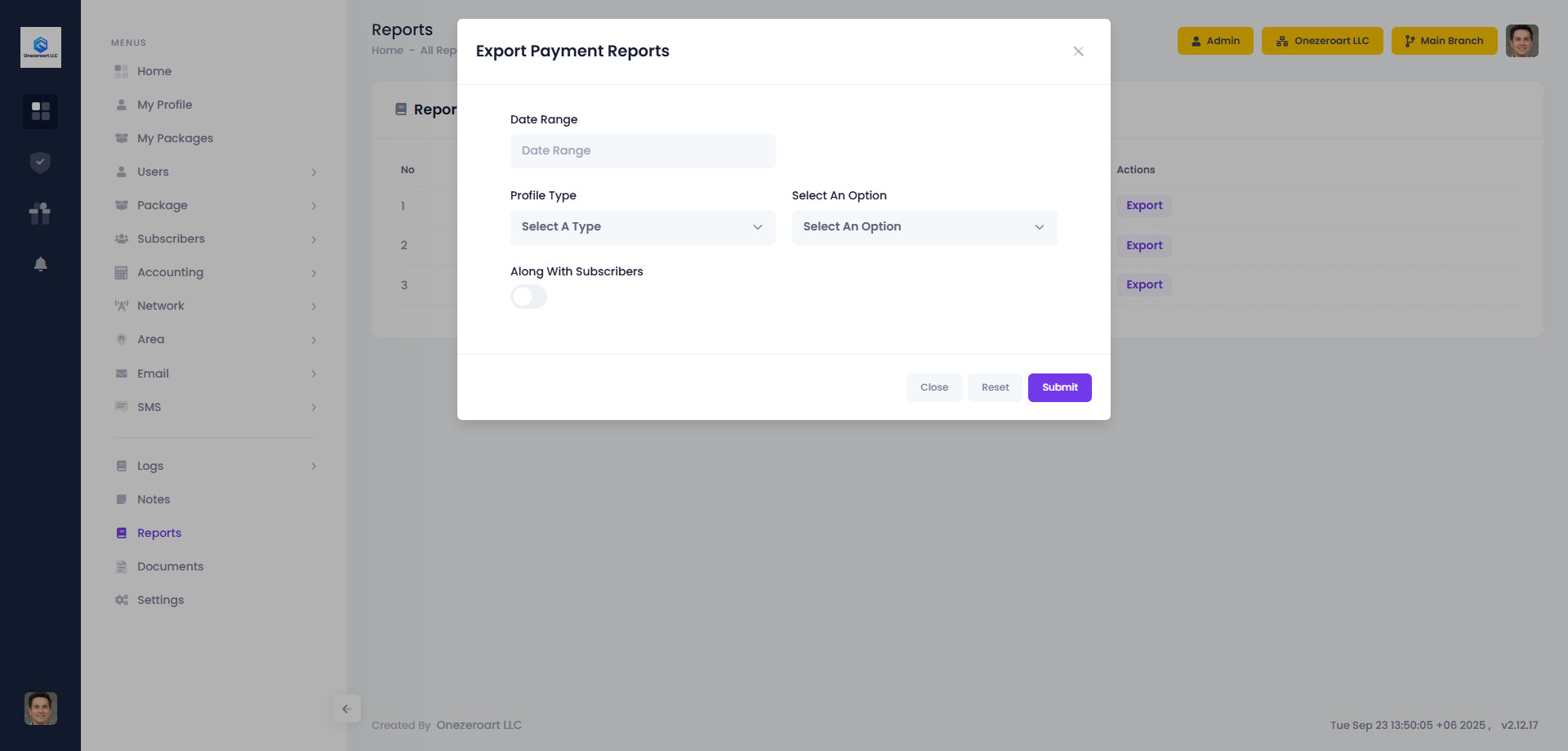
| Field | Description |
|---|---|
| Date Range | Select the start and end dates to generate the report for a specific period. |
| Profile Type | Filter payments by client profile type (e.g., Active, Pending, Terminated). |
| Select An Option | Choose specific criteria within the selected profile type if applicable. |
| Along With Subscribers | Include subscriber details in the report for more comprehensive insights. |
Export BTRC Reports
The Export BTRC Reports feature in ZalUltra CRM allows administrators and managers to generate regulatory compliance reports. These reports can be exported for official submissions, auditing, or internal monitoring.
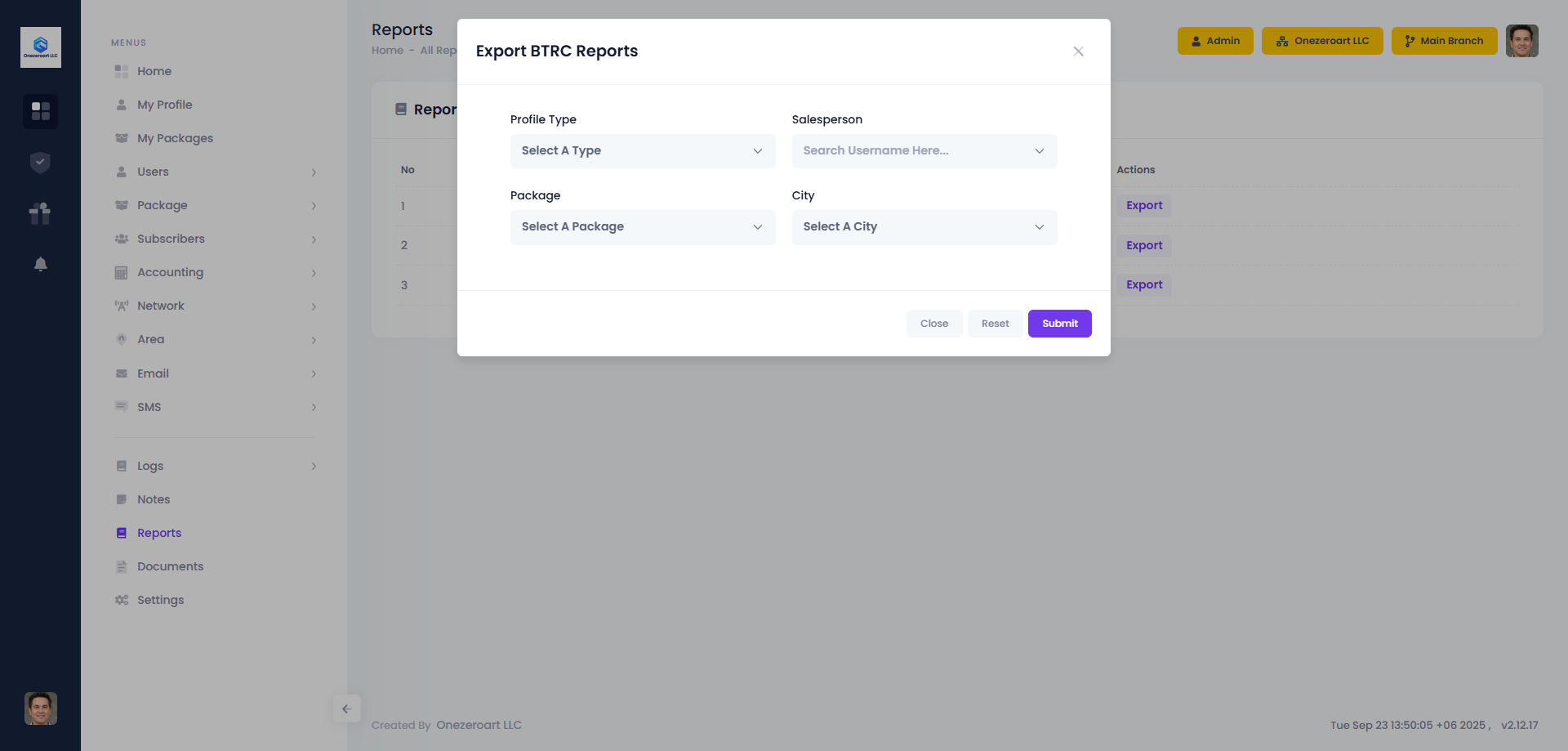
| Field | Description |
|---|---|
| Profile Type | Filter records based on client profile type (e.g., Active, Pending, Terminated). |
| Salesperson | Select a specific salesperson to view reports related to their clients. |
| Package | Choose one or multiple packages to filter the report data accordingly. |
| City | Filter clients or transactions based on city to localize the report. |