Appearance
Email
Email Templates
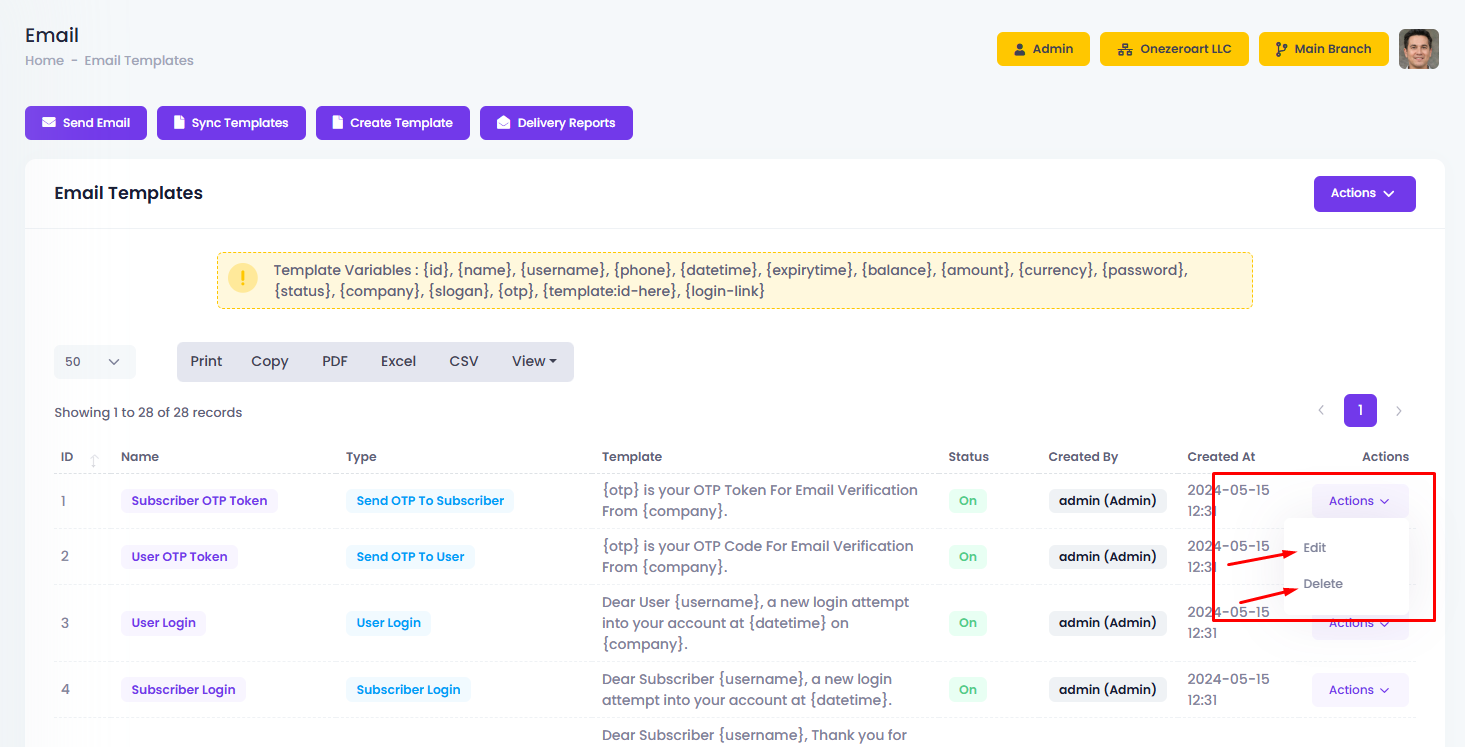
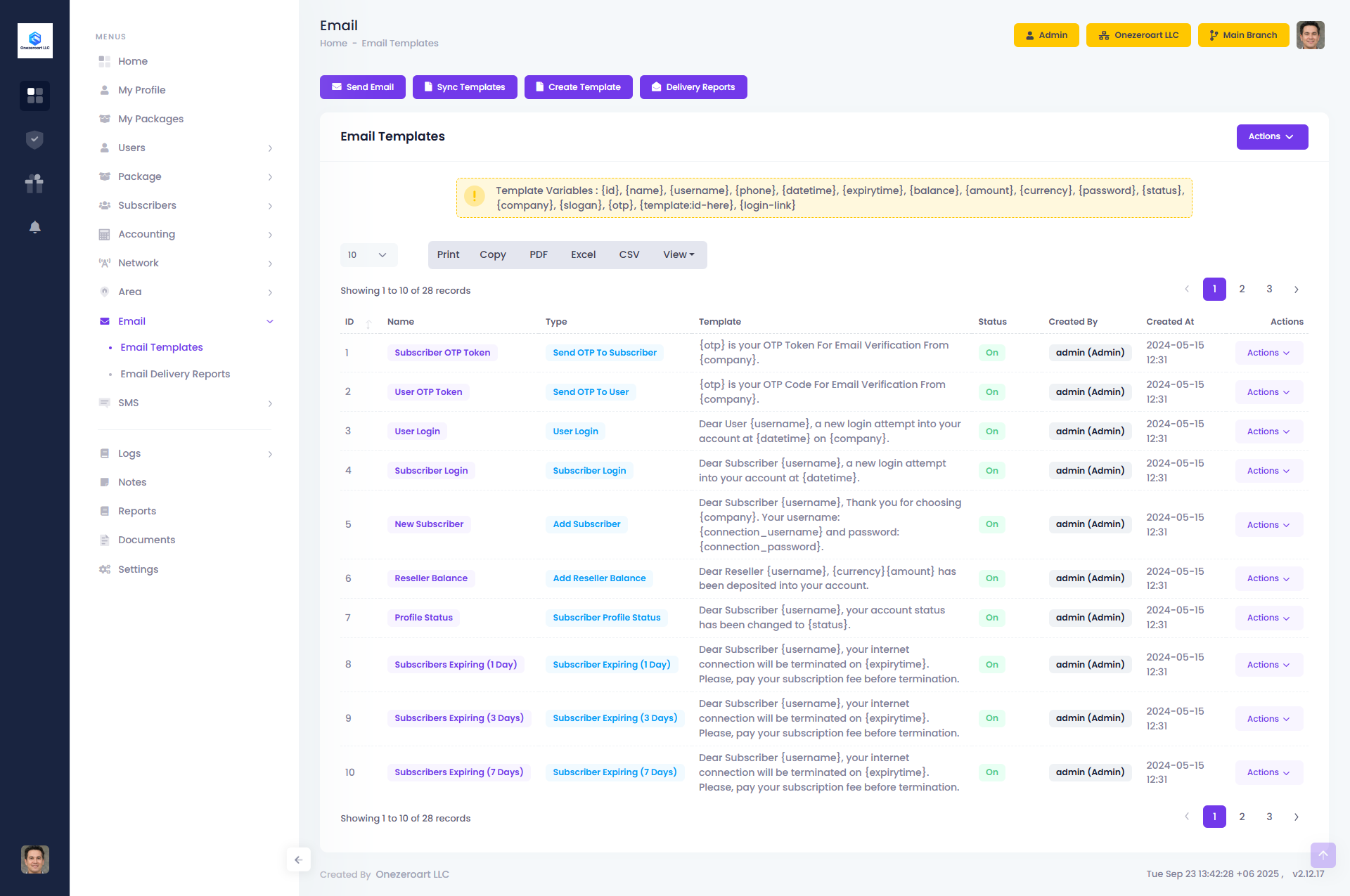
The Email Templates module allows you to create, manage, and customize predefined email formats for system notifications, invoices, payment reminders, and customer communication. By using templates, you can ensure consistent branding, save time, and maintain professional communication with subscribers and clients. Templates can be personalized with dynamic fields, making each message accurate and user-specific.
Send Email
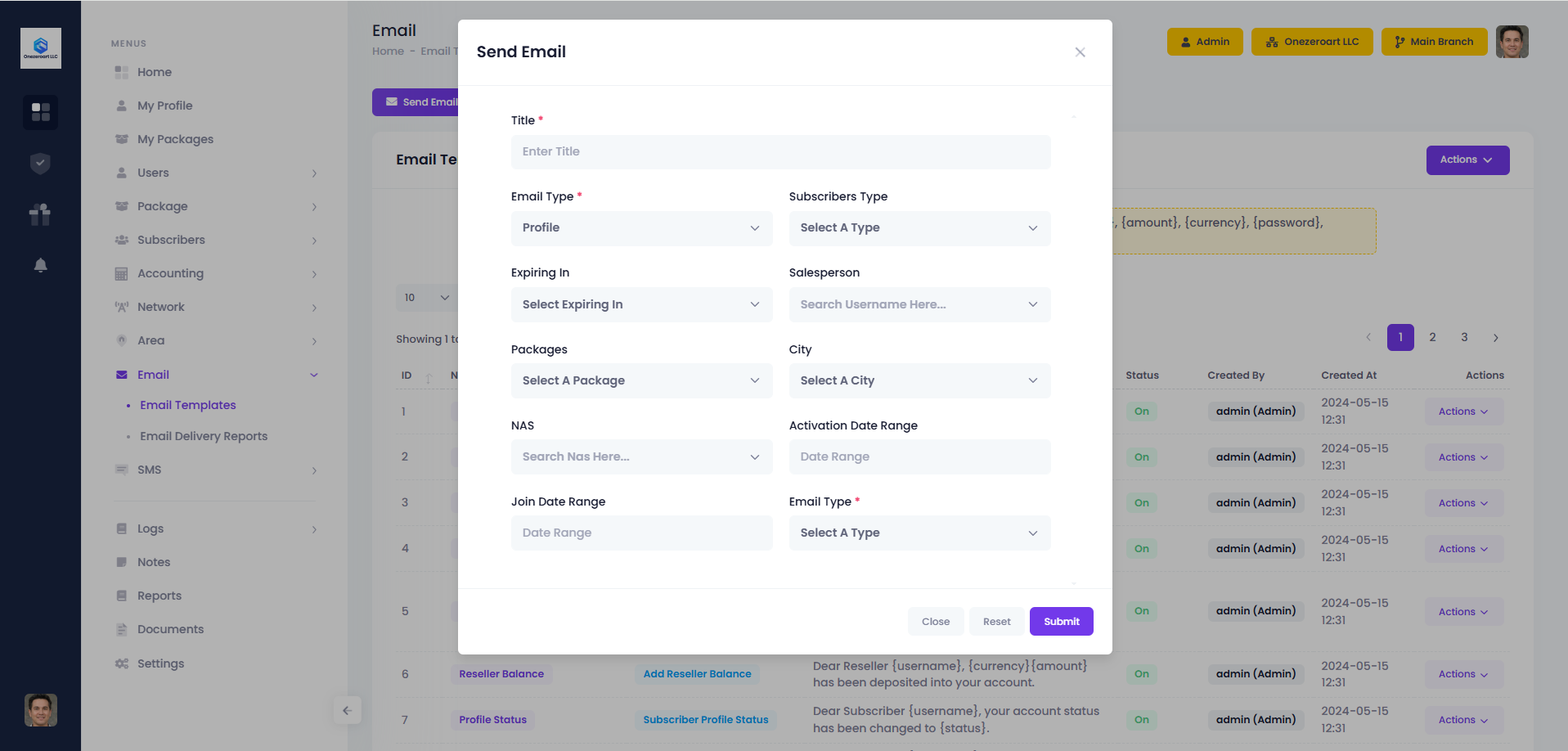
The Email Send feature allows you to send emails directly to subscribers, customers, or staff. You can choose recipients, select a template or write a custom message, and send important notifications, updates, or reminders instantly. This ensures smooth and direct communication from within the system.
Sync Templates
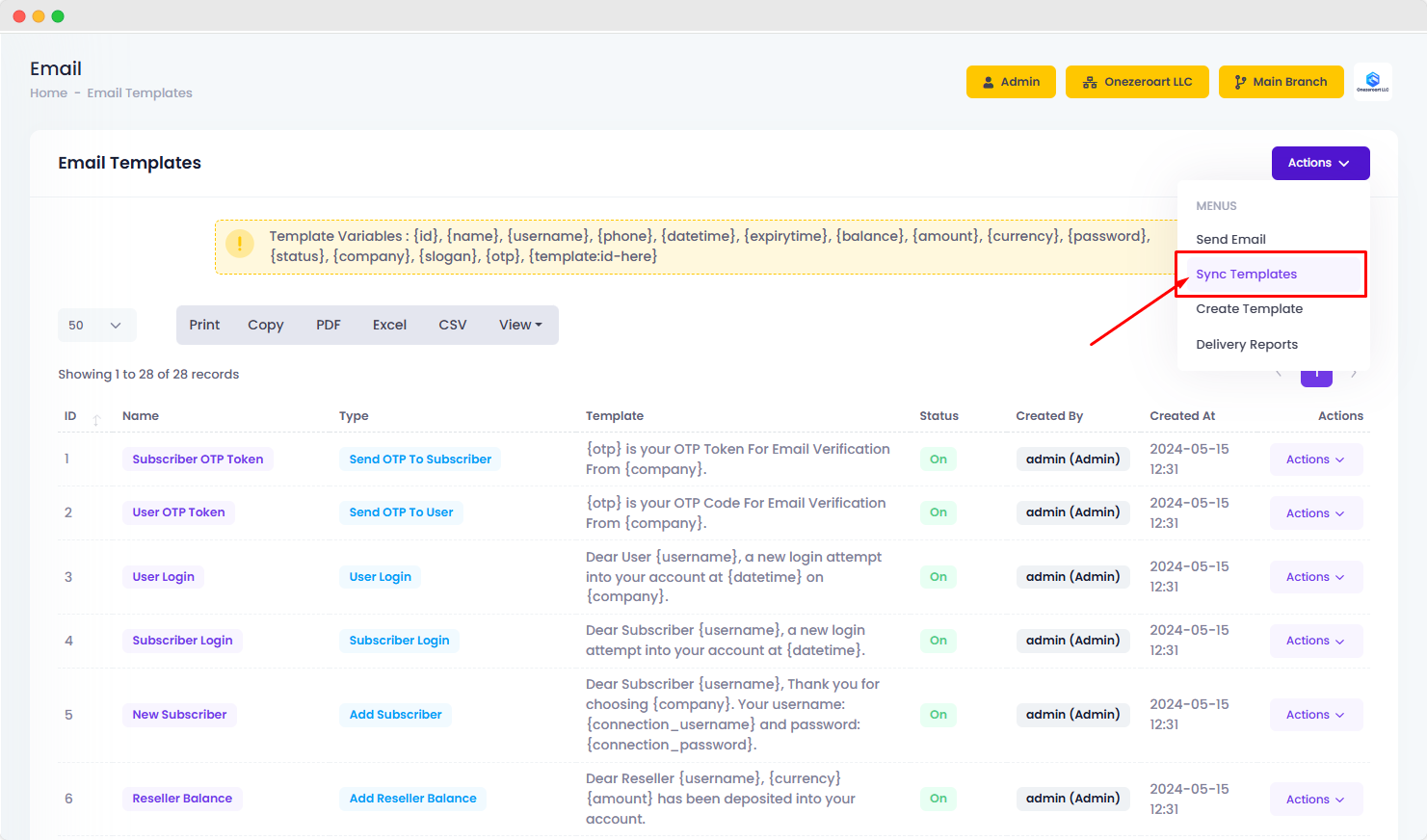
The Sync Templates feature ensures all email templates are updated and aligned with the latest system changes. By syncing, you can refresh existing templates, add new ones, or restore missing templates to maintain consistency across your communication.
Create Templates
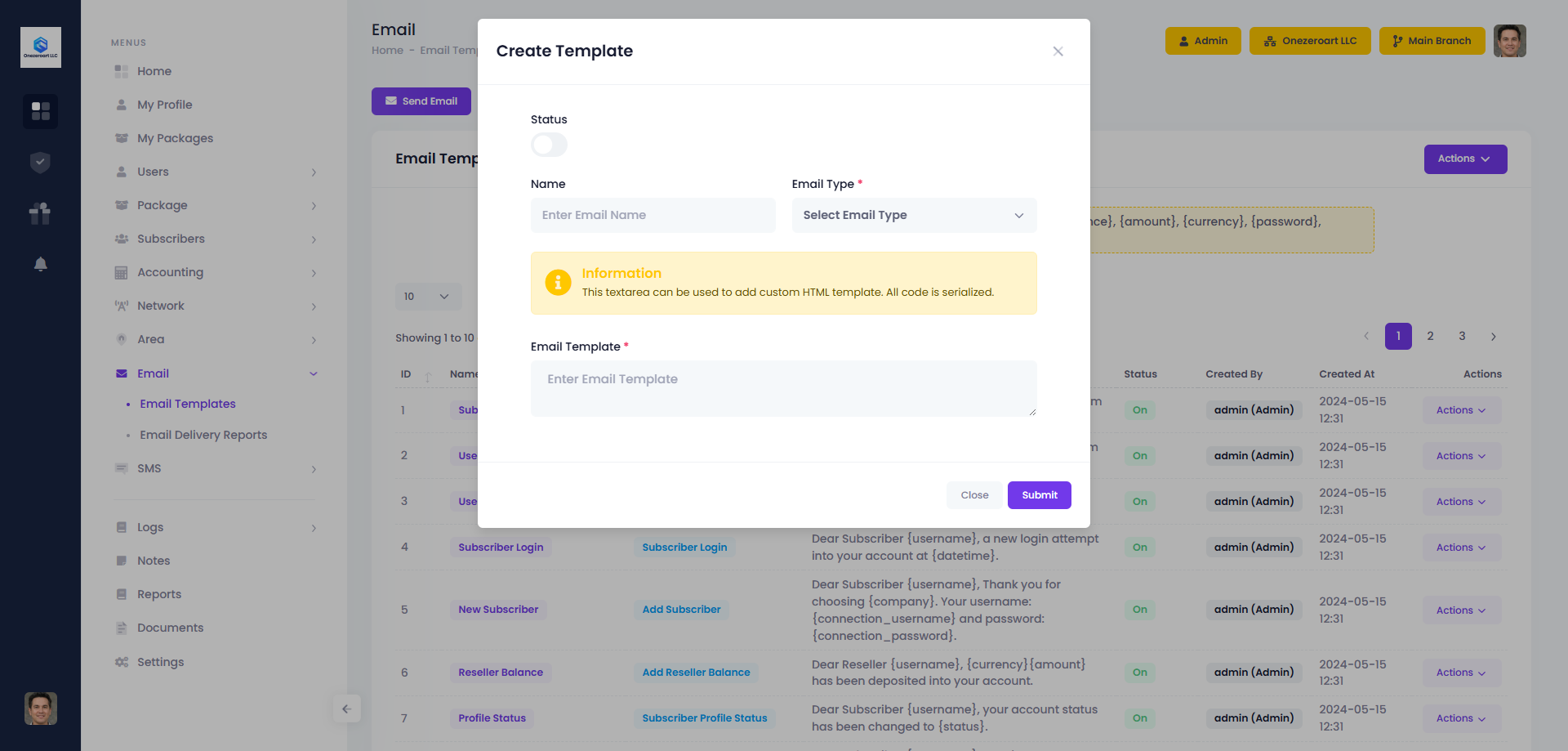
The Create Template feature allows you to design and save reusable email formats for system communication. The form includes the following fields:
1.Status – Set the template as Active or Inactive.
2.Name – Enter a unique name for the email template.
3.Email Type – Select the type of email (e.g., Invoice, Payment Reminder, Notification).
4.Email Template – A textarea where you can insert custom HTML code. All content is serialized to ensure proper formatting and safe storage.
Edit Or Delete
Use the Action button to edit email templates or delete them if no longer needed.